 Find us at websummit 2021, click here


sshare in your pocket and on TikTok: mobile apps and publishing to TikTok
Social Media • Veröffentlicht am 15. November 2026 • 2 Min. Lesezeit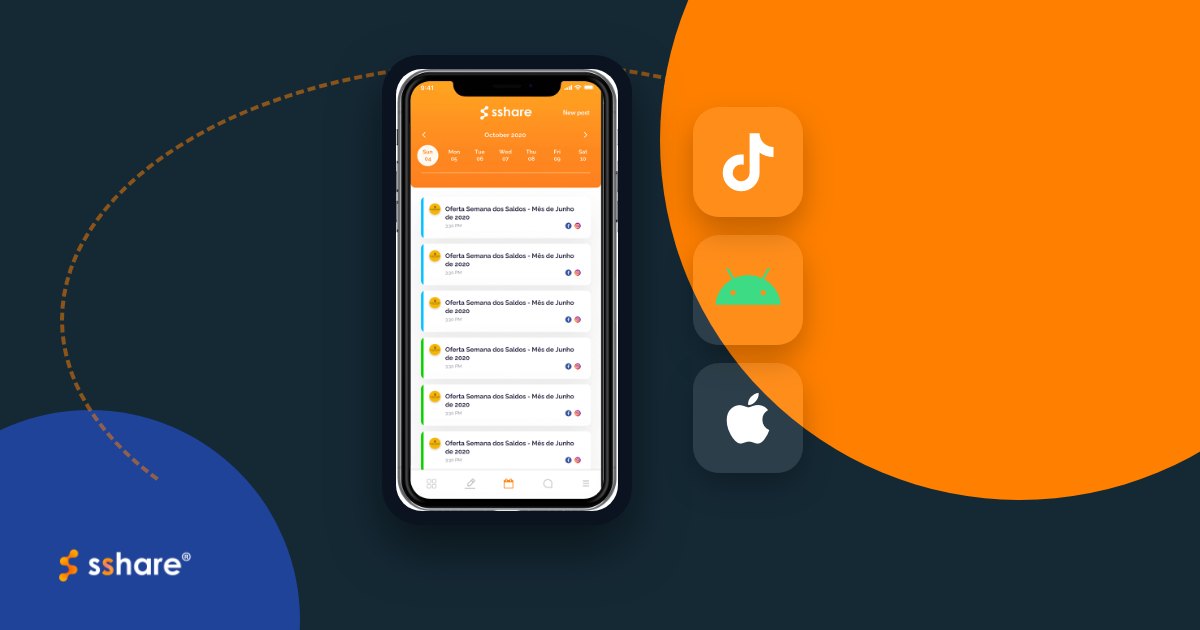
The sshare Android app is on Google Play, iOS is coming soon, and TikTok is now one of the networks where you can publish videos.
Not every good content idea comes at a desk. They show up on a customer visit, at an event, in the middle of a working day. That is why sshare.media is now on your phone too, and why TikTok has joined the networks you can publish to.
sshare in your pocket
The sshare Android app is available on Google Play. The iOS version is coming soon. With the app you have your calendar at hand to check what is planned, follow what is about to go out and create a new post the moment the idea appears, without waiting until you are in front of a computer.
For teams, it is a practical help. If Nova has planned the month and your team needs to review and approve, having sshare on your phone lets you answer in the gap between two tasks instead of leaving posts waiting.
TikTok has arrived on sshare
In 2026, TikTok joined Facebook, Instagram, LinkedIn, X and MailChimp. You can now publish videos to TikTok through New post, from the same platform where you manage your other networks. Fewer open tabs, fewer apps to keep track of and a single calendar for everything.
Publishing follows TikTok's rules. This means the format, content and options of each video have to respect what the network requires, and sshare guides you through that path at the moment of publishing.
How to publish a video to TikTok
- Connect your account: link your TikTok profile to sshare.
- Open New post: choose TikTok as the destination network.
- Add the video: upload the file and write the caption, with Echo's help if you like.
- Check the rules: review the options TikTok asks for the video.
- Schedule or publish: pick the date and time in the calendar.
Tips for short video
- Start with the essentials: show right at the beginning what the video has to offer.
- Use real products: show your items in use, not just a static image.
- Keep your brand tone: TikTok is more relaxed, but your voice should still be recognisable.
- Be regular: a few well-planned videos every week work better than occasional bursts.
- Look at the results: Insight follows the numbers so you can see what to repeat.
One calendar, every network, anywhere
With the app on your phone and TikTok in New post, sshare gets closer to how content is born in real life: quickly, anywhere, with the team nearby. Human approval remains sacred: what has been approved does not change without your order, wherever you are.
Download the Android app, connect your TikTok profile and try planning your next video from your phone.


